TIP
Please only create journeys here whose category appears in the ‘Category’ selection field. Manual journeys in private cars, bicycles, on foot, etc. are not intended and will be deleted from time to time. More information in the Community guidelines.
It can happen that journeys are not available via the interface used by Träwelling and therefore cannot be checked in. It is therefore possible to create a journey manually.
How to create a manual trip
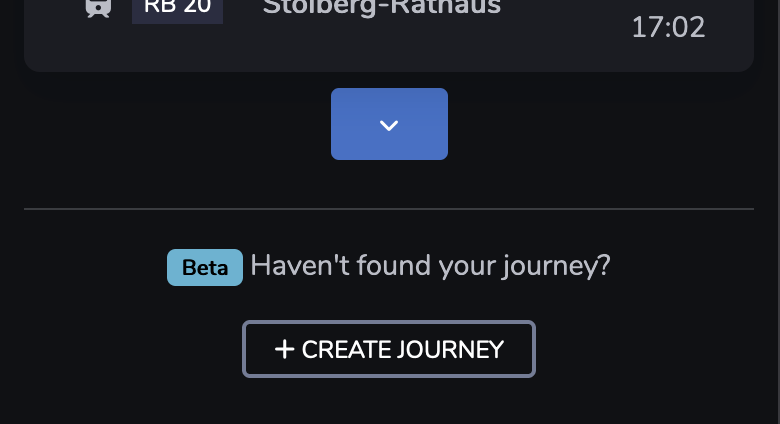
At the end of the departure board you will find the ‘Create journey’ button. Click on it to create a new manual journey.
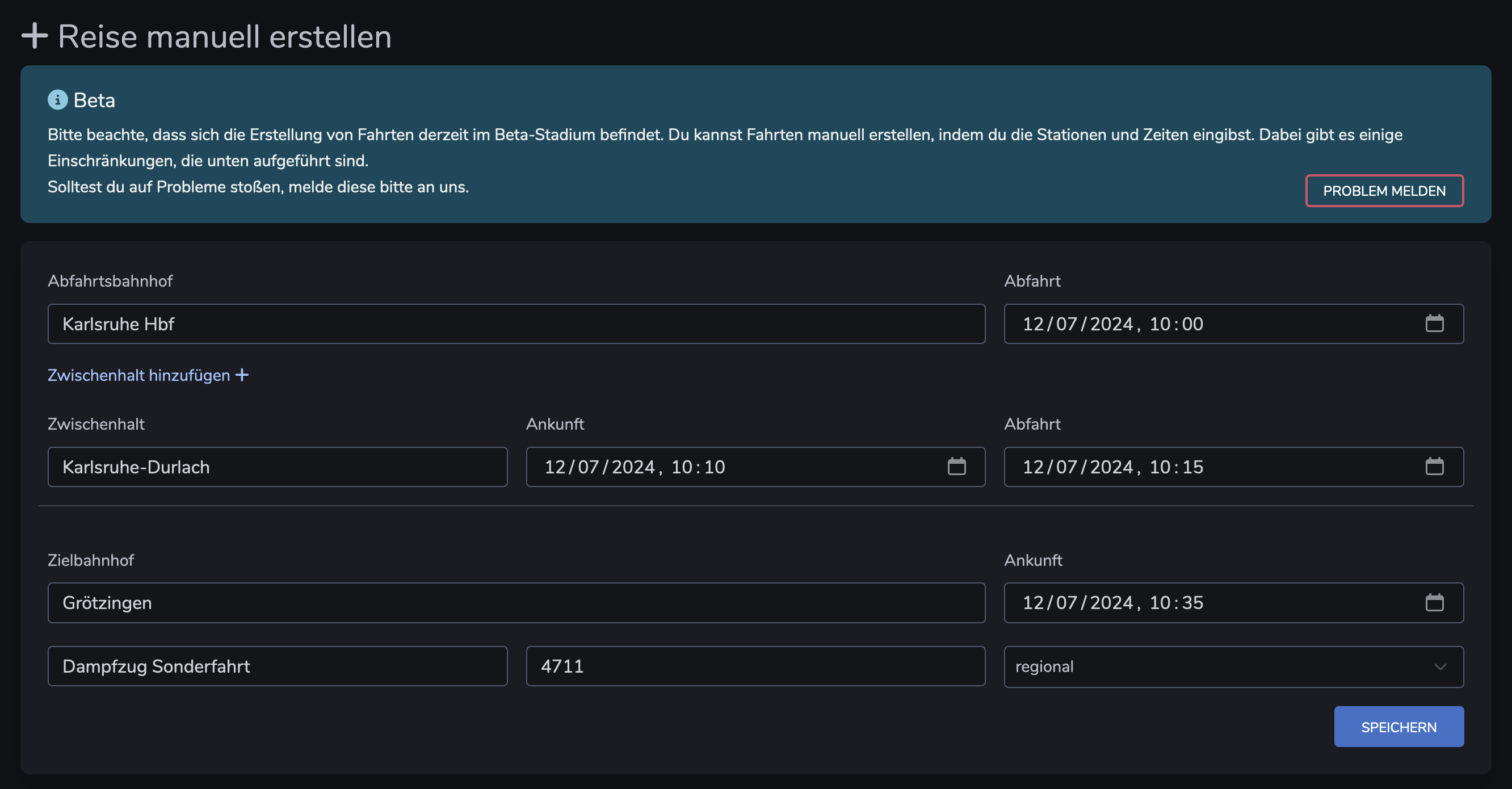
Enter the name of the station where you want to get on or off. You will be shown suggestions that you can select. If you cannot find a stop, you can also enter the ID of the stop from Wikidata.
You can add as many intermediate stops as you like. An arrival and departure time is required.
Enter the line you are using.
You can leave the ‘Number’ field blank. If your journey has an (internal) journey number, you can enter it here.
In the ‘Category’ field, you must select the category of your means of transport.
You can optionally add the operator of your journey.